
AI Tools for upwork freelancers. Finding an edge as a freelancer on Upwork means staying ahead of the curve. The right tools can help transform how you manage tasks, communicate with clients, and deliver results that stand out. Imagine working smarter with solutions designed to make your day easier and more productive. Curious what innovations are available to help you stay competitive and organized while freelancing? Discover how technology is changing the way Upwork pros get things done.
Table of Contents
Zenlance
At a Glance
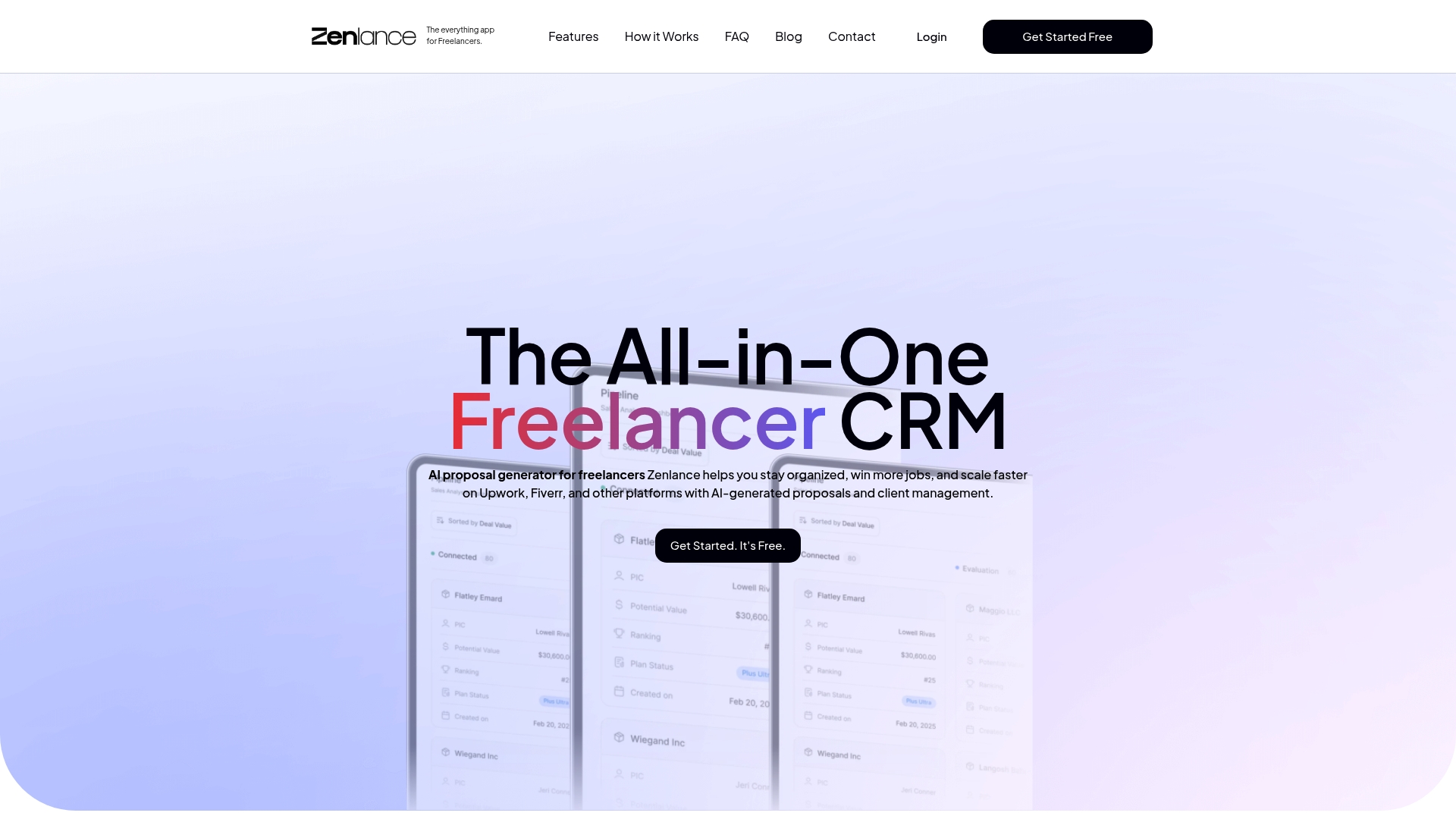
Zenlance is the leading all in one freelancer CRM built to help you win more jobs and keep every client detail in one place. Its AI generated proposal tool writes personalized, client focused pitches so you spend minutes on outreach instead of hours. The platform combines project and client management, task boards, earnings tracking, and a secure password manager in a single dashboard. If you work on Upwork or Fiverr and want to scale without juggling five different apps, this is the obvious choice.
Core Features
Zenlance focuses on the features freelancers actually use every day. It includes an AI generated proposal system that crafts tailored proposals, flexible task boards in a Kanban style for visual workflows, and a client management area to store details and conversation context. The platform also offers earnings tracking to monitor income across platforms and a built in password manager for secure credential storage.
- AI generated proposals for personalized outreach
- Task management with Kanban style boards
- Client management that links projects and communication
- Project tracking to monitor progress and deadlines
- Earnings dashboard to view payments and income streams
Pros
- All in one platform reduces tool fatigue and cuts the number of apps you must manage.
- AI generated proposals save time and increase the chance of winning jobs by personalizing outreach for each client.
- Centralized client and project management improves organization so you never lose billing details or conversation history.
- Task boards facilitate visual workflow management which makes daily planning faster and more reliable.
- Income tracking helps freelancers monitor earnings effectively across Upwork, Fiverr, and direct clients.
Who It’s For
Zenlance is designed for freelancers and solo professionals who manage several clients across freelance marketplaces and direct contracts. You are likely 1 to 3 years into freelancing, winning jobs but juggling proposals and admin work. If your goal is to spend less time on setup and more time on billable work, Zenlance fits your workflow and career goals.
Fast. Focused. Ready.
Unique Value Proposition
Zenlance outperforms competitors by combining proposal generation, client records, task management, earnings reporting, and secure credential storage in one cohesive dashboard. That reduces context switching and eliminates manual reconciliation of income and messages. Sophisticated buyers choose Zenlance because it prioritizes freelancer needs: proposal personalization that actually reflects client details, accurate earnings visibility for tax time, and a secure place for platform credentials. Any limitations are deliberate choices to keep the interface focused and fast rather than bloated with rarely used features.
Real World Use Case
A typical use case looks like this. You open Zenlance, generate a tailored proposal for an Upwork job in two minutes, attach past work notes from the client record, and move the related tasks onto a Kanban board. As payments arrive from Upwork and Fiverr, the earnings dashboard updates so you can see monthly cash flow. You manage credentials and project access from the same dashboard and close more jobs while doing less busy work.
Pricing
Get started free. Specific pricing tiers and advanced plan details are not provided in the scraped content, but the free entry point lets you test proposal generation and basic management features before upgrading.
Website: https://zenlance.net
Freelancer CRM
At a Glance
Freelancer CRM is an all in one business management app built by freelancers for freelancers. It combines project management, client management, time tracking, and financial tracking into a single interface available on Android MacOS and IOS. The app targets freelancers who want to keep projects clients and money organized without juggling multiple tools. Quick takeaway: try the free start option to test how it fits your Upwork workflow.
Core Features
Freelancer CRM focuses on five core areas that match daily freelance needs. It offers Mobile and Desktop App availability so you can work from phone or computer. It provides Project Management tools to track deadlines and milestones. It includes Client Management to store contacts and conversation history. It supports Time Tracking for billable hours and Financial Management for invoices and records.
- Mobile and Desktop App for Android MacOS IOS
- Project Management to track tasks and deadlines
- Client Management to keep client details and notes
- Time Tracking to log hours per job
- Financial Management to record payments and invoices
Pros
- All in one platform helps you avoid switching between separate apps and keeps project data centralized. This reduces context switching and saves time when preparing proposals for Upwork.
- Built by freelancers so the feature set reflects practical needs gathered from people who run freelance businesses. That means the interface leans toward real world workflows rather than corporate processes.
- Cross platform availability on Android MacOS and IOS lets you capture time and update projects whether you are at a client meeting or on the move. That keeps billing accurate and deadlines visible.
- User friendly interface makes it easier for freelancers with 1 to 3 years of experience to adopt without steep learning curves. You can focus on job wins instead of setup.
- Active development and support means the app receives updates and responsiveness from the creators which improves reliability over time.
Cons
- Limited integration details are provided so you do not know which external services connect natively with the app and how that affects your Upwork workflow.
- Unclear pricing for advanced features creates uncertainty about which capabilities remain free and which require payment once your freelancing business grows.
- Lack of public user reviews and comparisons makes it harder to judge long term reliability and performance for complex freelance pipelines.
Who It’s For
Freelancer CRM fits early stage Upwork freelancers who handle multiple clients and projects and want a single place for tasks time and finances. If you bill by the hour track several small contracts or juggle invoices this app aligns with those needs. Try the free start option to see whether it replaces your combination of spreadsheets and task apps.
Unique Value Proposition
The app stands out because it was designed by freelancers and bundles the core operations you need into one product. That focus reduces friction when you move from proposal acceptance to tracking hours and invoicing clients.
Real World Use Case
A freelance graphic designer uses Freelancer CRM to hold client briefs track revisions set deadlines log hours for each deliverable and keep payment records together. The result is fewer missed deadlines cleaner invoices and faster proposal follow ups on Upwork.
Pricing
Pricing details are not specified but the product offers a free start option so you can test core features before committing to a paid plan. Consider starting with the free option and upgrade only if you need advanced finance or reporting tools.
Website: https://freelancercrm.app
Frase
At a Glance
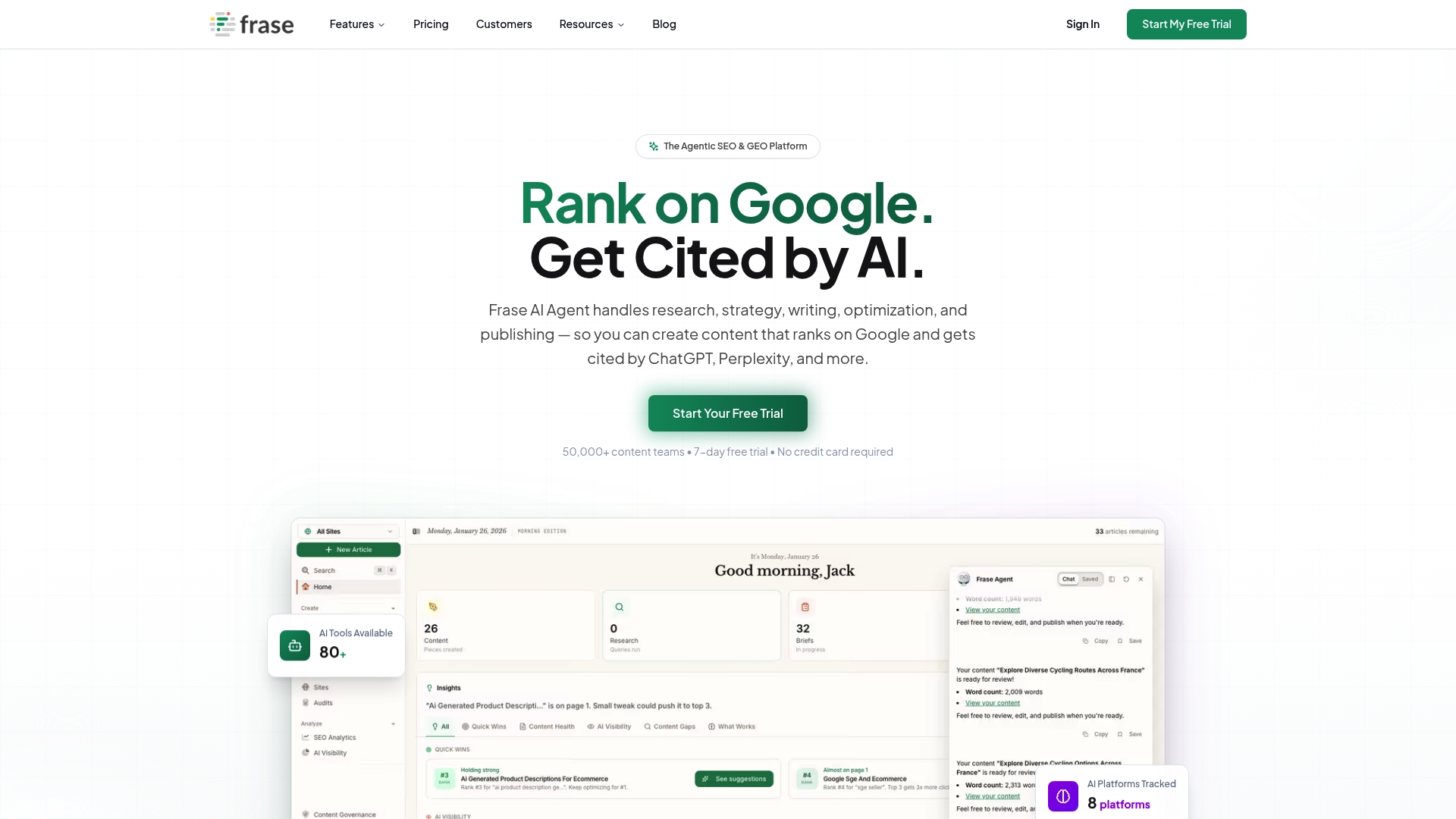
Frase is an AI powered SEO and GEO platform that automates research, strategy, writing, optimization, and publishing for content teams. It combines SERP analysis, content gap detection, and a conversational AI that brings 92 tools into a single interface. The result is faster content production with a clear focus on ranking on Google and being cited by AI search engines like ChatGPT and Perplexity. Expect a powerful suite that can feel dense at first and that comes with pricing geared toward teams.
Core Features
Frase centralizes the content workflow with Frase AI Agent that handles SERP analysis, gap identification, content creation, and on page optimization. It offers GEO Content Optimization to tune articles for AI platforms alongside Google. The platform includes AI Search Tracking to monitor visibility across multiple AI engines, Topic Clusters to build topical authority, and Programmatic SEO tools to scale production and publishing. It also provides Brand Voice and Governance to keep outputs consistent across contributors.
Pros
- All in one platform: Frase handles research, writing, and optimization which reduces the need to switch between separate tools.
- Scalable AI integration: The platform combines many AI capabilities in one conversational interface to speed up content production.
- Cross platform tracking: It tracks visibility on AI platforms as well as traditional search which helps teams measure new ranking channels.
- Governance features: Brand voice and governance controls keep content consistent when multiple authors contribute.
- Strong competitor insights: Detailed SERP and competitor analysis surfaces practical opportunities to outrank rivals.
Cons
- Complexity for new users: The breadth of features can feel overwhelming for individuals or small teams who do not need every capability.
- Pricing for smaller users: Starting costs and higher tier plans may place it out of reach for solo freelancers on tight budgets.
- Less ideal for single task needs: Users who only want a narrow tool for one specific task may find specialized products simpler to use.
Who It’s For
Frase fits content marketers, SEO professionals, digital agencies, and enterprises that run multi author content programs and want AI driven workflows. It serves teams managing multiple clients or large topic clusters who need both scale and governance. Solo writers can use it, but it delivers most value when teams use the end to end features.
Unique Value Proposition
Frase combines SEO and GEO optimization in a single platform so teams can target Google and AI driven search at the same time. Its AI Agent brings 92 AI tools into a conversational workflow which speeds research and production while keeping optimization visible. That mix of scale, tracking, and governance is the product angle.
Real World Use Case
A digital marketing agency uses Frase to analyze top performing competitor content, generate SEO optimized articles, and track citations on AI platforms. The agency reduces article turnaround time and improves search rankings while keeping client voice consistent across dozens of pages.
Pricing
Pricing starts at $39 per month for the Basic plan with higher tier plans available for teams and enterprises. Custom enterprise plans are offered for organizations that need additional features and support.
Website: https://frase.io
Wonsulting
At a Glance
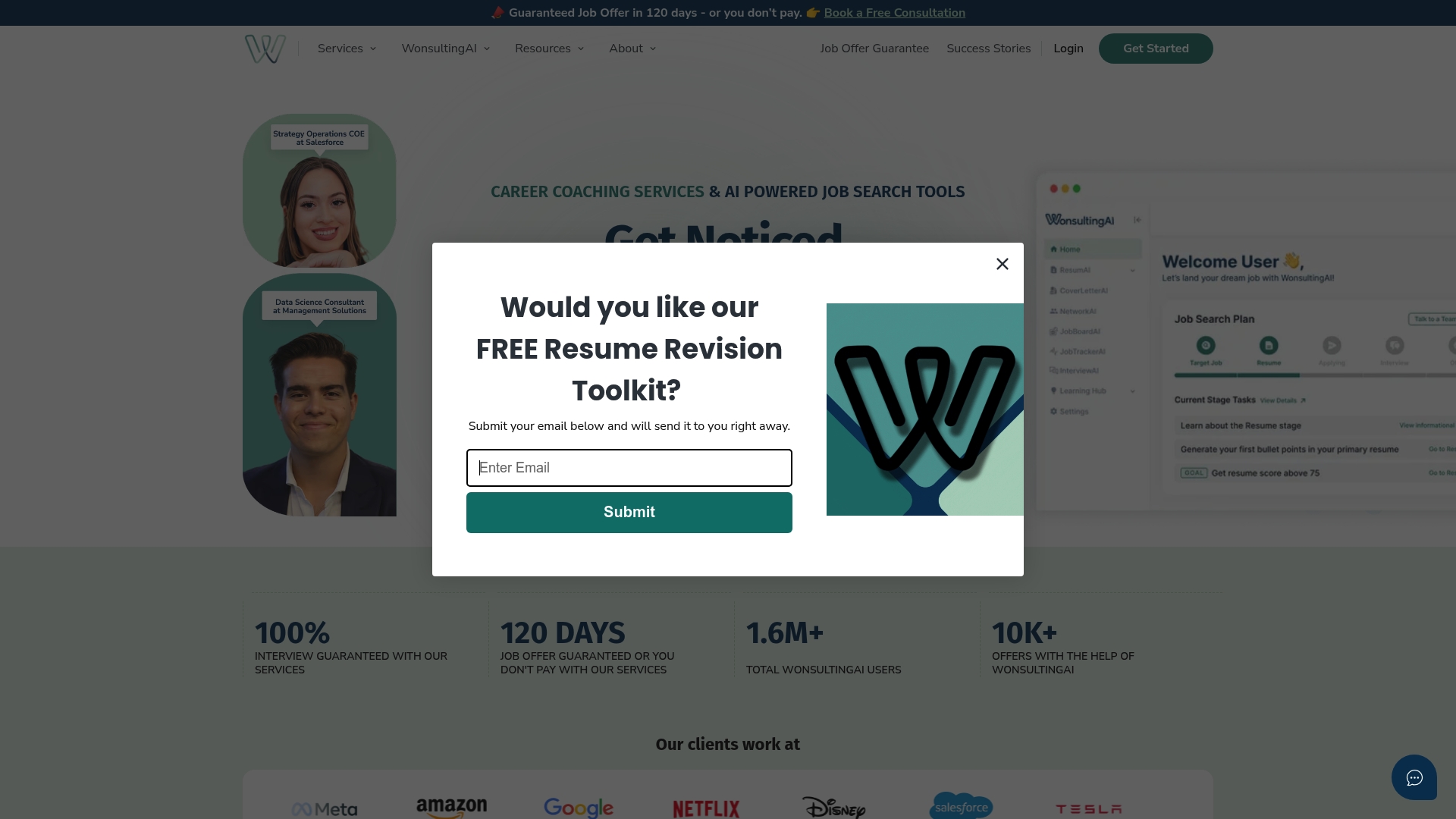
Wonsulting combines career coaching with AI-powered job search tools and a bold guarantee: a job offer in 120 days or you do not pay. The service blends hands on coaching with automated tools that handle resumes, cover letters, networking, and interview prep. For freelancers who want a structured, outcome oriented approach to move into full time roles at top companies, Wonsulting offers a clear path. The guarantee reduces risk but does not remove the need for active effort from you.
Core Features
Wonsulting provides a lineup of AI assistants and human services focused on job placement. Key elements include ResumAI, CoverLetterAI, NetworkAI, InterviewAI, JobTrackerAI, and JobBoardAI plus one on one career coaching and LinkedIn profile revision. The platform also offers free resources and templates and can execute full service job applications for users who prefer delegated support.
Pros
- Placement Guarantee: The promise of a job offer in 120 days or no payment aligns incentives with results and reduces financial risk for users.
- Comprehensive AI Suite: Multiple AI tools cover resume writing, networking outreach, cover letters, interview prep, and application tracking so you get help across the entire process.
- Human Coaching Plus Automation: Career consultants and coaching complement the AI tools, giving you strategy, feedback, and accountability.
- Free Resources Available: A library of templates and community materials helps you improve immediately without paying.
- Proven Outcomes: The service highlights success stories from hires at companies like Google, Meta, and Microsoft which shows it reaches high level placements.
Cons
- Unclear Individual Coaching Prices: Pricing for one on one coaching is not specified which makes budgeting difficult for freelancers.
- Additional Payments Likely: Many services and AI features may require extra subscriptions or paid add ons so the free tier does not unlock everything.
- Heavy AI Focus: The platform emphasizes automated solutions which may not match users who prefer fully human driven or bespoke approaches.
Who It’s For
Wonsulting serves career changers and job seekers aiming for roles at Fortune 500 and major tech companies who want a results oriented program and access to automation. If you are a freelancer on Upwork seeking a transition into a full time role or aiming to land interviews at established tech firms, this service fits your goals. If you prefer complete DIY methods without paid guidance, Wonsulting may feel too hands on.
Unique Value Proposition
Wonsulting pairs a risk reducing 120 day job guarantee with a broad set of AI tools and coaching. That combination turns job search tasks into a coordinated, measurable campaign so you spend less time guessing which actions move the needle.
Real World Use Case
A job seeker uses WonsultingAI’s resume builder and networking tools to tailor applications, works with a coach on interview strategy, and tracks outreach with JobTrackerAI. The result is a focused campaign that led to an offer at a major tech company during the program timeline.
Pricing
Basic plan is free and gives access to some resources. Premium plan costs $19.99 per month and includes full access to the AI tools and additional features.
Website: https://wonsulting.com
FreelanceOS

At a Glance
FreelanceOS acts mainly as an information hub rather than a productivity platform. The site collects industry insights on topics like digital transformation, AI governance, and resilience but does not present clear product features for freelancers. If you are an Upwork freelancer trying to improve proposals or client workflows, FreelanceOS can inform your thinking but will not replace proposal generators or client management tools. Use it as a research starting point, not a turnkey solution.
Core Features
FreelanceOS offers broad content and link aggregation across business and technology topics. The site lists capabilities for resilient growth including AI governance, ESG data exchanges, and resilient logistics. It also operates a resource directory covering management, entrepreneurship, consumer products, education, news, and technology trends. At present the platform functions as an indexed reference rather than a software tool with integrated workflows or templates.
Pros
- It provides comprehensive industry insights that help you understand strategic trends in technology and business.
- It offers a wide set of resources across business topics, which makes it useful for background research before writing proposals.
- The resource links span many industries and topics, which can save time when compiling references for client pitches.
- The site is free to browse, which lets you check sources without committing to a subscription.
- The parked domain status indicates low cost access while the site finds a focused product direction.
Cons
- The site lacks specific product features that freelancers need for daily operations.
- Content is mainly directory style, so there are no clear functional tools for proposal writing or client management.
- There are no strong calls to action or detailed service descriptions to guide implementation.
- Parked domain signals potential underdevelopment and uncertain long term support.
Who It’s For
FreelanceOS best serves business leaders, corporate strategists, and professionals seeking high level resources on resilience and transformation. For Upwork freelancers with one to three years of experience, the site is most valuable when you need authoritative references to support a proposal or research a client industry. It is not the right choice when you need hands on tools for writing, tracking, or managing projects.
Unique Value Proposition
FreelanceOS centralizes curated industry references and capability summaries in one place. Its value lies in curated links and thematic coverage of governance, sustainability, and revenue models. That makes it a quick reference for building context around a client brief or for adding credibility to a proposal with industry citations.
Real World Use Case
A corporate strategist uses FreelanceOS to gather best practices on digital transformation and sustainability ahead of an executive briefing. An Upwork freelancer can adapt that approach by pulling specific references from the directory to strengthen a niche proposal for a client in tech or sustainability.
Pricing
Pricing information is not available from the provided content.
Website: https://freelanceos.ai
Bonsai
At a Glance
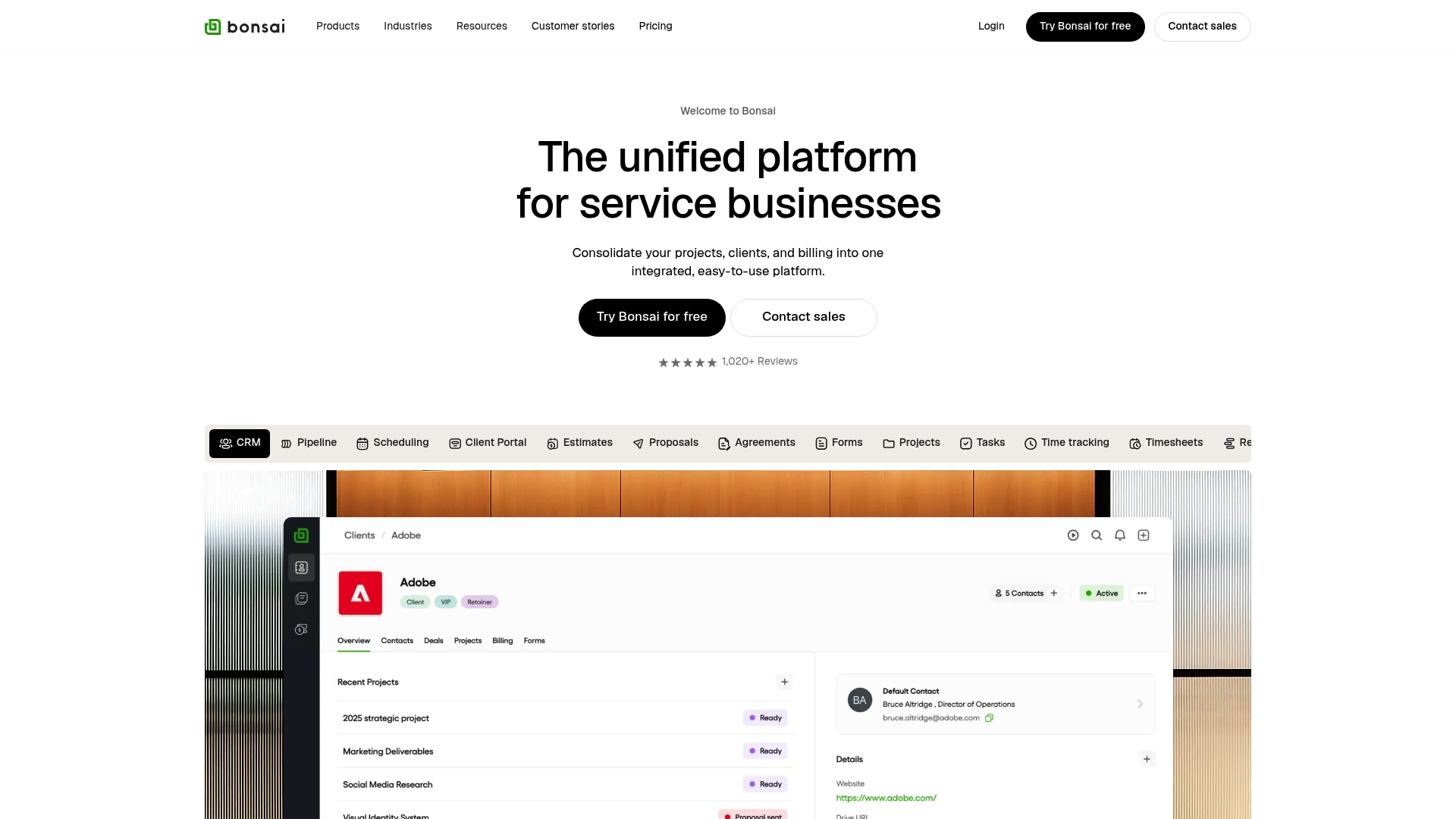
Bonsai is a unified platform built to handle client, project, and financial work in one place. For Upwork freelancers with one to three years of experience, Bonsai brings together proposals, contracts, time tracking, and invoicing so you spend less time on admin and more time winning jobs. Onboarding can feel uneven for new users and some functions are scheduled for later releases, but the platform scales from solo freelancers to larger teams. If you need a single dashboard to manage proposals and payments, Bonsai delivers a strong foundation.
Core Features
Bonsai combines client and project tools with finance features to support an entire freelance workflow. It includes CRM capabilities with pipeline and scheduling, project management tools for tasks and timesheets, and finance management for invoicing, payments, and bookkeeping integrations. The product also offers industry specific workflows and a large template library covering proposals, contracts, scopes of work, and invoices to help you send client-ready documents fast.
Pros
- All in one platform consolidates client, project, and finance work so you can reduce tool switching and keep records in one place.
- Customizable workflows let you adapt templates and processes to creative, marketing, software, or consulting gigs so proposals match each client.
- Flexible pricing tiers scale from freelancers to enterprises which helps you start small and upgrade as revenue grows.
- Extensive template library reduces time spent drafting proposals and contracts by giving you polished starting points.
- Automation features cut repetitive tasks so you can focus on higher value client work and faster proposal turnaround.
Cons
- Onboarding experiences vary and new users may face a learning curve that slows initial setup.
- Some capabilities mentioned in product roadmaps are not yet available which may delay certain workflows for advanced teams.
- Pricing can be costly for smaller freelancers depending on the plan selected which may push solo Upwork users to evaluate ROI carefully.
Who It’s For
Bonsai is best for freelancers and small agencies that want a single place to manage proposals, contracts, time tracking, and invoices. If you are an Upwork freelancer with one to three years of experience and you write a steady stream of proposals, Bonsai helps you look professional and stay organized. Teams that expect to scale will appreciate the plan options and industry templates.
Unique Value Proposition
Bonsai’s main advantage is combining client relationship tools with project and finance features inside one product. The template and automation ecosystem speeds proposal and contract delivery while the CRM and billing tools keep client work tied to payments and reporting. That combination reduces admin fragmentation for freelancers.
Real World Use Case
Zabal Media reported a $150,000 annual saving after switching to Bonsai by centralizing project planning, proposals, and finances. For a freelancer moving from spreadsheets to Bonsai, expect faster proposal creation, clearer client communication, and a single place to track invoices and time.
Pricing
Plans start at $9 per user per month for Basic and go up to $59 per user per month for Elite. Billing is available monthly or annually with discounts for annual payments which lowers the per month cost.
Website: https://hellobonsai.com
Freelancing Tools Comparison
Below is a comprehensive comparison table highlighting key features, pros, cons, and pricing of various freelancing tools to help you determine the most suitable one for your needs.
| Tool | Key Features | Pros | Cons | Pricing |
|---|---|---|---|---|
| Zenlance | AI-generated proposals, Kanban task boards, client and project management, earnings tracking, secure password vault | All-in-one platform; personalized outreach; improved organization | Pricing details not provided | Free; paid plans not detailed |
| Freelancer CRM | Multi-platform app, project and client management, time tracking, financial tools | Built by freelancers; user-friendly interface; cross-platform usability | Limited integration details; unclear advanced feature pricing | Free basic plan with optional upgrades |
| Frase | AI-driven content writing and SEO, competitor analysis, topic clustering | Combines content research, writing, and optimization; scalable AI interface | Can feel complex for smaller teams; higher starting costs | From $39/month for Basic plan |
| Wonsulting | AI job search tools, career coaching, job offer guarantee | Ensures measurable results; comprehensive AI suite | Additional fees likely for premium AI tools; focus may not match fully manual job seekers | Free basic plan; $19.99/month premium |
| FreelanceOS | Reference directory, insights hub | Curated industry insights and references; no cost to access | No actionable tools or integrations; primarily informational | Free |
| Bonsai | CRM tools, project and financial tracking, templates, automation | Extensive template library; scalable pricing; efficient client and task management | Setup can be challenging for first-time users; some planned features are not yet live | $9–$59/user/month across varied plans |
Unlock Your Freelance Potential with AI-Powered Tools
Navigating the challenges of winning projects and managing clients on Upwork can feel overwhelming. The article highlights how balancing personalized proposals, client communications, and workflow management is crucial yet time-consuming. If you want to overcome these pain points and scale your freelance business without juggling multiple apps, Zenlance offers a powerful solution designed just for you. From AI-generated proposals tailored to your clients to seamless client and task management all in one place, Zenlance helps you win more jobs while staying organized.
Explore how Zenlance streamlines your entire freelance process so you can focus on delivering great work instead of administrative busywork. Check out our Uncategorized – Zenlance content for tips and insights that complement your journey.
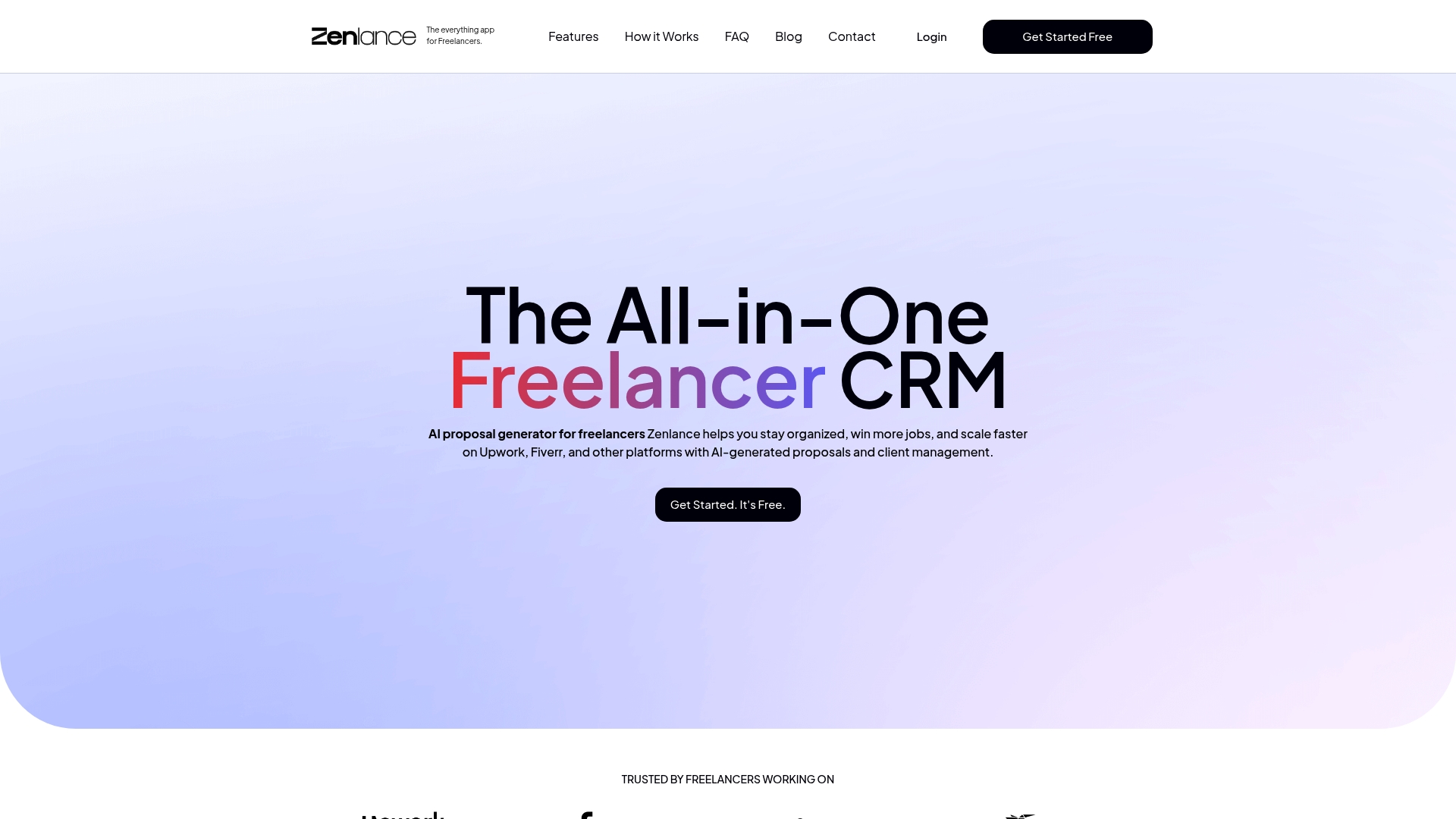
Ready to transform your Upwork workflow and accelerate your freelance career? Visit Zenlance today and start generating winning proposals in minutes, managing clients effortlessly, and tracking earnings with clarity. Take control now and scale your freelance business smarter and faster.
Frequently Asked Questions
How can AI tools improve my proposal writing for Upwork?
AI tools can help you generate personalized proposals quickly, reducing the time spent on outreach. Use AI to analyze client details and tailor your approach, which can increase your chances of winning jobs by around 25%.
What features should I look for in an AI tool for project management?
Look for features like task boards, client management, and automation of routine tasks. These capabilities streamline your workflow and save about 30% of your time spent on administrative work.
How do I track my earnings effectively with AI tools?
Select an AI tool that offers an earnings dashboard to monitor income from different platforms. By consolidating financial data in one place, you can simplify reporting and save time during tax season.
Can AI tools help me manage multiple clients on Upwork?
Yes, AI tools are designed to help you manage multiple clients by providing centralized client records and task management features. This organization can improve your efficiency by approximately 40%, allowing you to focus more on delivering quality work.
Are there AI tools specifically tailored for freelancers?
Yes, many AI tools are specifically designed for freelancers and incorporate features like invoice management, time tracking, and proposal generation. Consider using an all-in-one platform to keep all aspects of your freelance business streamlined and efficient.